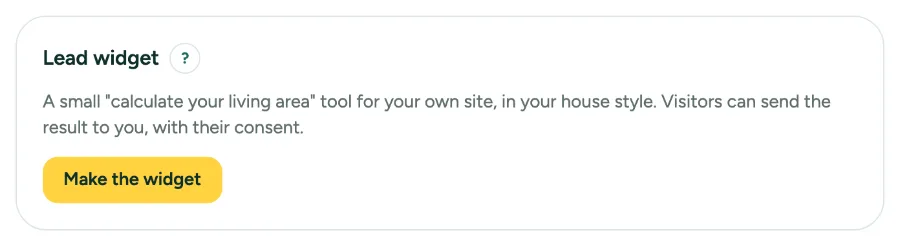
Put a small calculate your living area tool on your own site. Visitors can send the result to you, with their consent.
This is for teams. An owner or admin sets it up.
Lead widget and leads: step by step
1. Make the widget
In Settings, tab Office, under Lead widget, click Make the widget and choose the language.
2. Put it on your site
Copy the code for your site (script) or the iframe, and paste it into your page. Open the widget to try it. The code holds a small line Calculator by Squaremetry; uncheck Show the link to Squaremetry to leave it out (only while your Team plan runs).
3. Read your leads
Under Leads you see requests from the widget and from people who view your shared plans. Mark them as done, or Download as CSV. A Reviewer reads the leads but cannot mark them or download them.
Messages you may see
- A new key stops the old code at once.
- This calculator is not active. Please contact the office directly.