With Team, view links, embedded plans, presentations, flyers and the measurement report show your office name and logo instead of "Made with Squaremetry".
This is for teams. An owner or admin sets it up.
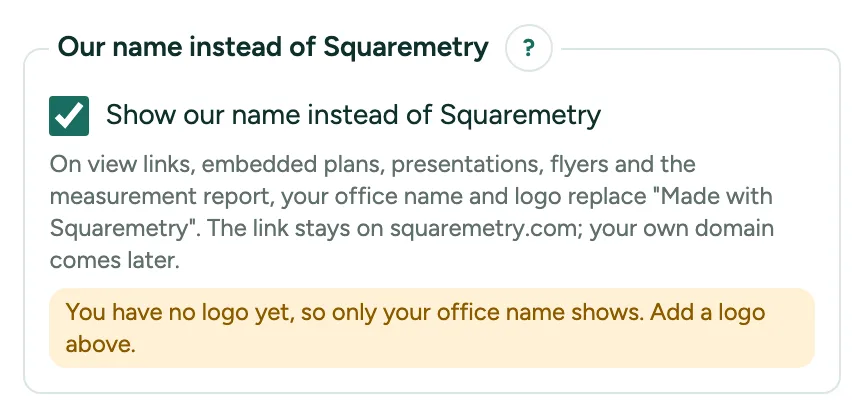
Your name instead of Squaremetry: step by step
1. Switch it on
Open Settings, tab Office, House style. Tick Show our name instead of Squaremetry and click Save house style. Only an owner or admin can change it.
2. What changes
The view link and the embedded plan show Floor plan by and your office name with your logo, without our logo and without the link to make your own plan. The presentation, the flyer, the picture of a pasted link and the measurement report carry your name too. The lead widget drops its line about us.
3. Without a logo
Without a logo only your office name shows. A line under the switch says so; add a logo above it.
4. What stays ours
The link and the domain stay on squaremetry.com; your own domain comes later. Pro keeps its logo, with a small Squaremetry line on view links and embeds; free keeps Made with Squaremetry.