Download the photo points of a level as a CSV list. Names, notes, spot and direction go along; photos stay with their home. New photo points can no longer be added.
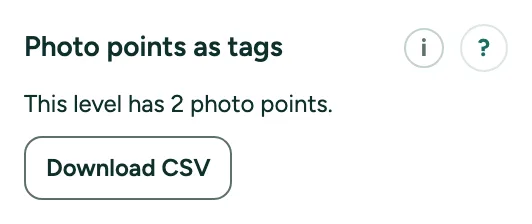
Photo points as tags: CSV list: step by step
1. Where
Click Check in the rail (Review) and open More for professionals in the card on the right. Photo points as tags shows only when the level already has photo points.
2. CSV
Download CSV gives the columns name, note, x, y and direction. x and y are measured from the top left corner of the plan.
3. Photos
Photos are not in the CSV. They stay with their home and go in the photo appendix of the report.
4. No longer here
Copy, Paste and Add from CSV made new photo points and are gone. Photo points that a plan already has stay.