Open an FML 3.0 file (JSON) from another floor plan program as a new plan with walls, rooms, doors and windows.
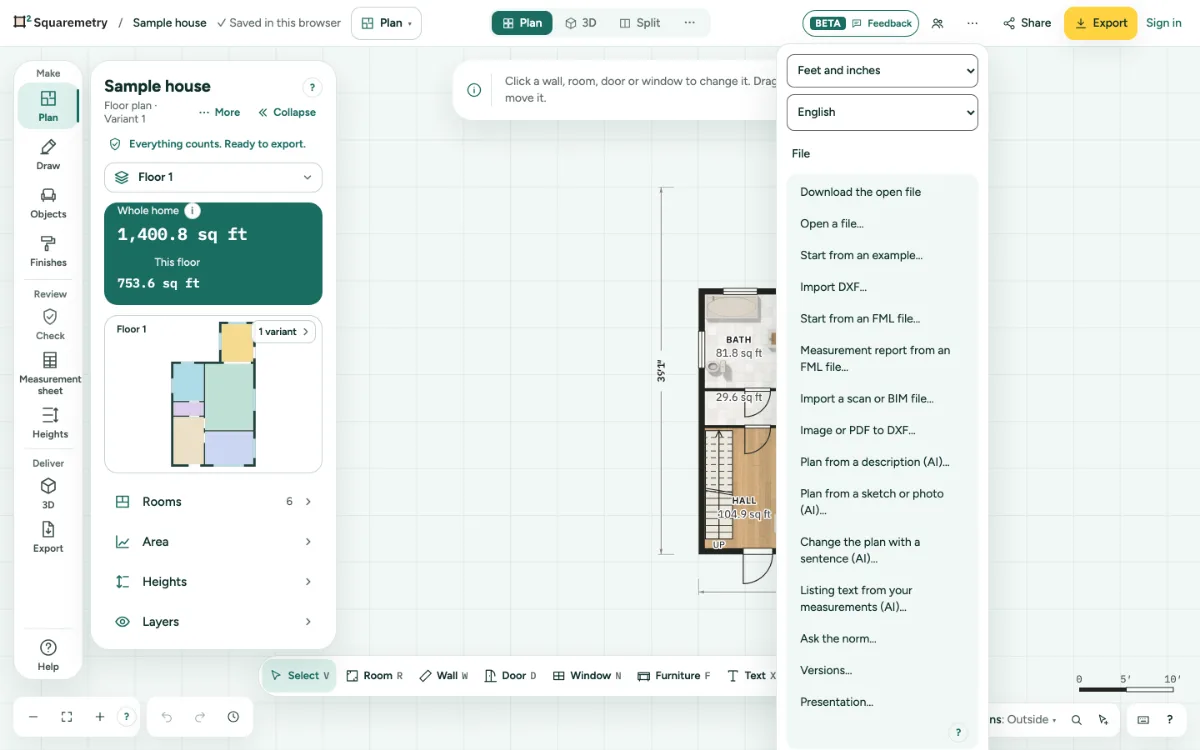
Start a home from an FML file: step by step
1. Pick the file
Click … at the top right, open File and choose Start from an FML file…, or drag a .fml file onto the page.
2. Check what came in
The window lists What came in, and What we left out, and why. Kitchen, bathroom and laundry fittings with a standard model in the FML format come in, as do garden areas; other furniture models are left out.
3. Start
Click Start from this file. It replaces the plan in this tab. One undo brings your plan back.
Messages you may see
- This file is larger than 50 MB. Please export one home at a time.
- This replaces the plan in this tab. One undo brings your plan back.