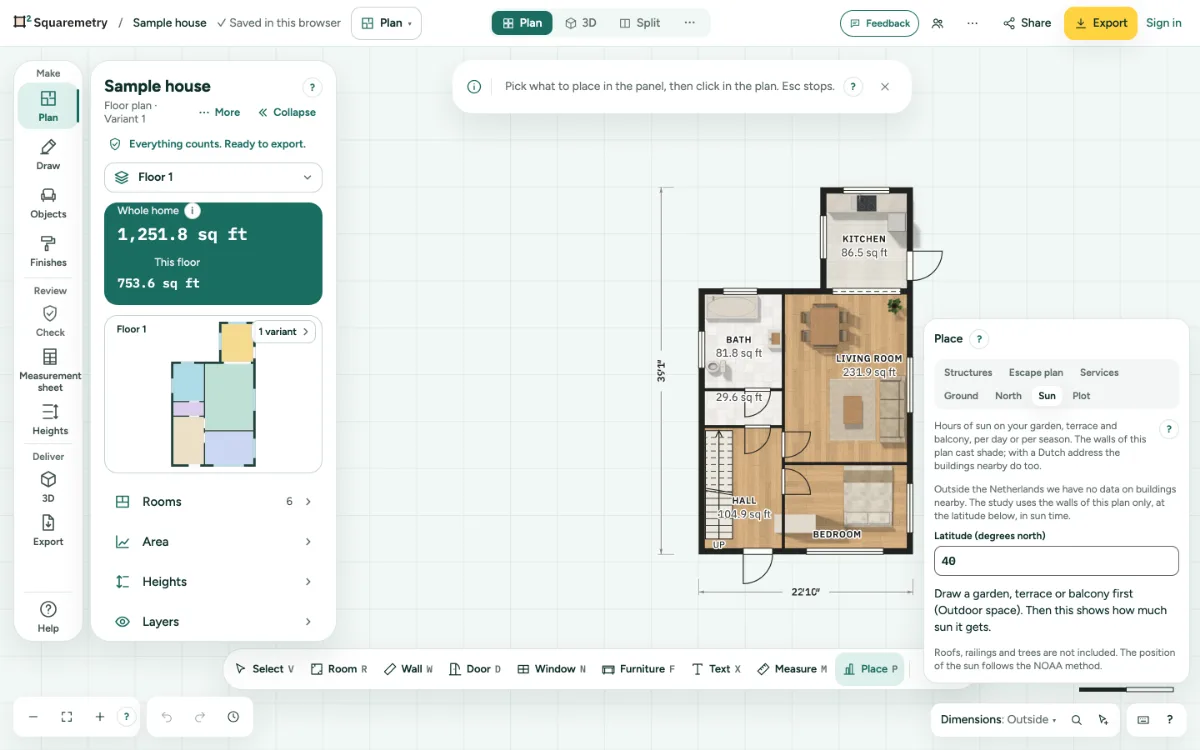
Hours of sun on your outdoor spaces, per day, per season or at a time. The walls of your plan cast shade; with a Dutch address the buildings nearby do too.
1. Draw the outdoor space
Draw a garden, terrace or balcony with Outdoor space (O) first.
2. Open the sun study
Press P and choose the tab Sun.
3. Address
Signed in, search a Dutch address to add the buildings nearby. Without one, the middle of the Netherlands is used. Outside the Netherlands, type the latitude.
4. Read the result
Pick a Date and Per day, Per season or At a time. You read when each space has sun. Download the sun map (SVG) keeps it.
Messages you may see
- Draw a garden, terrace or balcony first (Outdoor space). Then this shows how much sun it gets.
- Sign in to look up an address. The sun study also works without it, without buildings nearby.
- We only find Dutch addresses. Check the postcode and house number. The study also works without an address.