Measure between two points in 3D, or on the plan of a view link. The tape snaps to corners and wall edges.
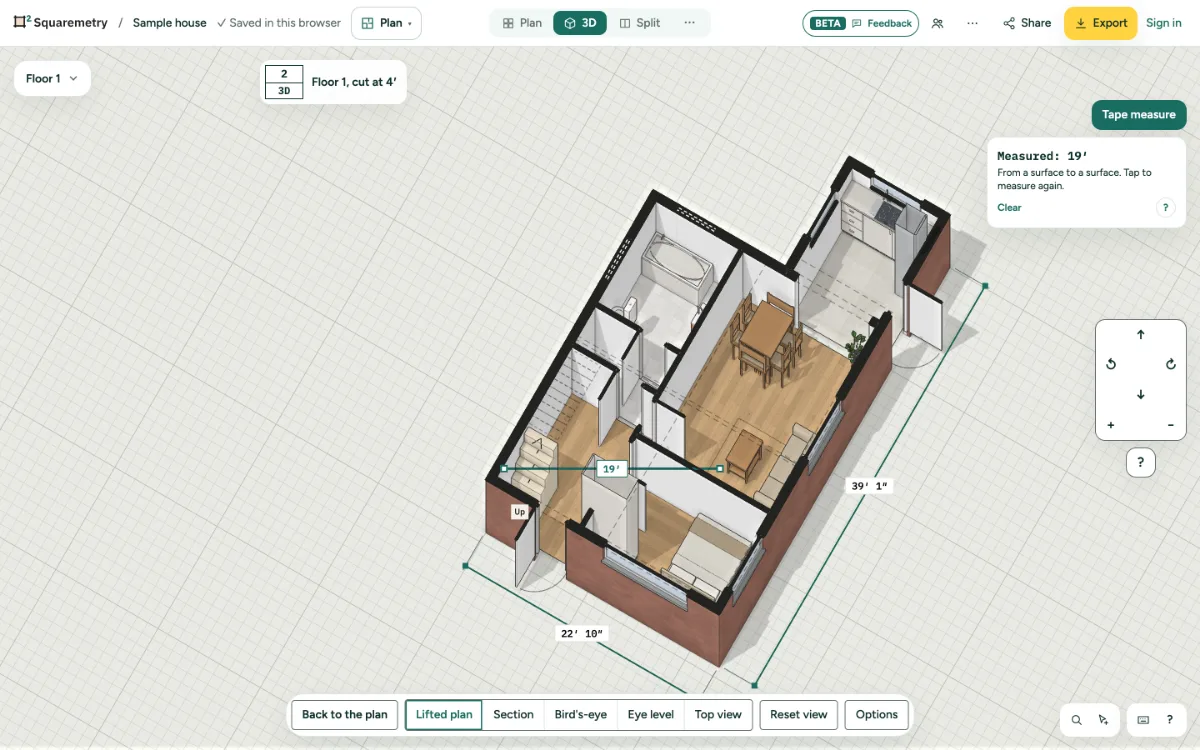
Tape measure in 3D and in the view link: step by step
1. In 3D
Open 3D and click Tape measure. Tap the first point and the second point. The length shows on a line between them; Clear starts again.
2. Snapping
Near a corner or a wall edge, the point jumps onto it. Otherwise it lands on the wall or floor you tap.
3. In the view link
Visitors of a view link have the same tape in 3D. On the plan, it snaps to the inside faces of the walls.
4. Photo points in 3D
Photo points show as buttons at eye height. Click one to see its name, note and photo.
Messages you may see
- Nothing of the plan there. Tap a wall, floor or corner.