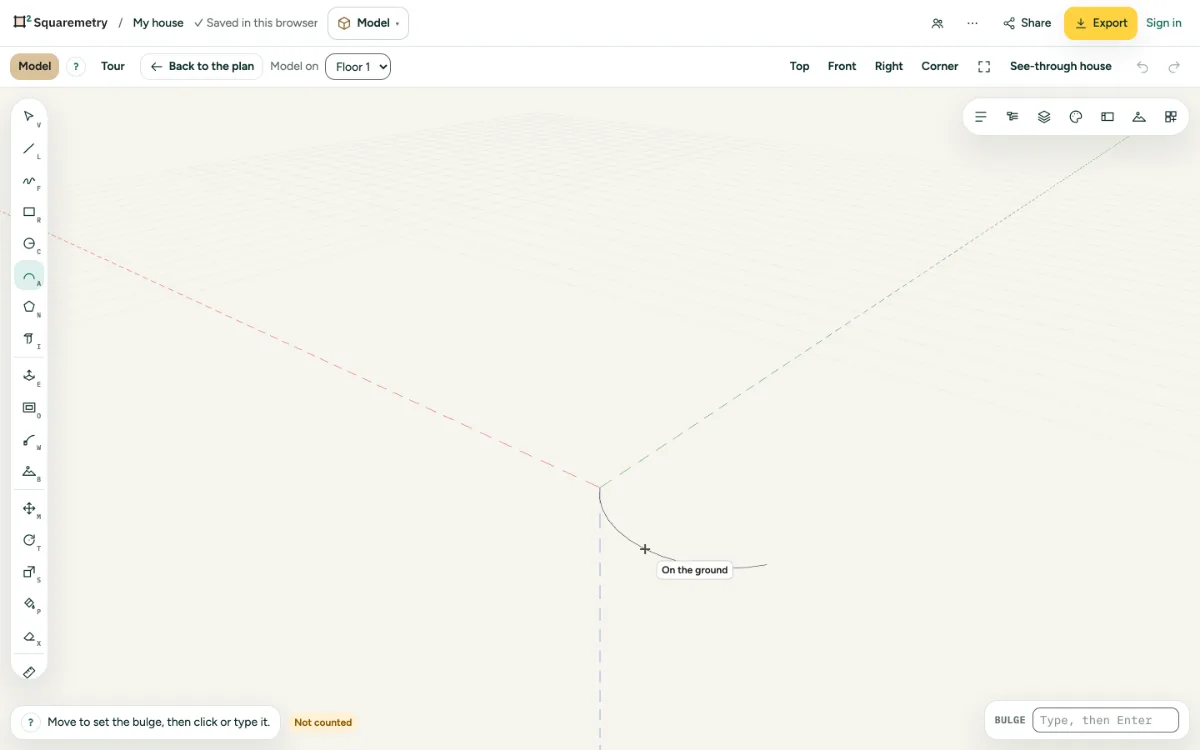
Three clicks: where it starts, where it ends, and how far it bulges.
1. Start and end
Press A, click where the arc starts and where it ends.
2. Bulge
Move to set the bulge, then click, or type it and press Enter.
3. Close a shape
Draw lines back to the ends and a face closes, like a window with a round top.
Shortcuts
- A
- Model: arc