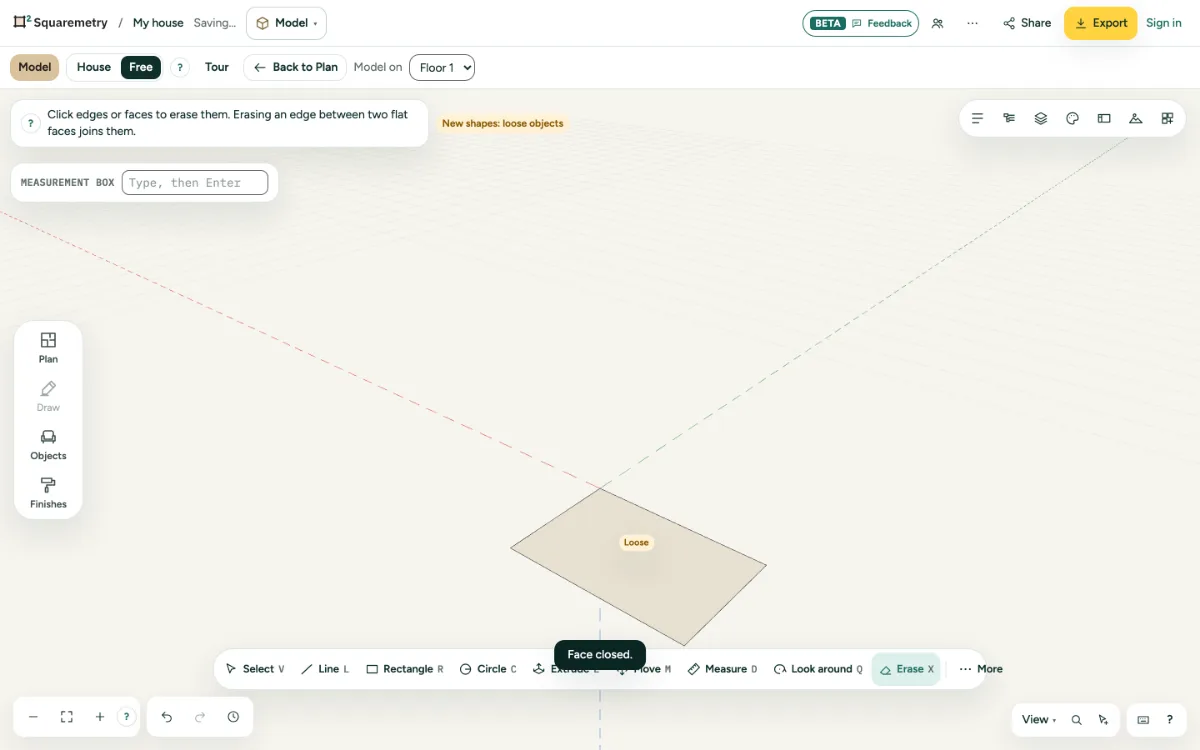
Click edges or faces to take them away. Erasing an edge between two flat faces joins them into one.
1. Erase
Press X and click edges or faces. A face without its edge goes too.
2. What you chose
Or choose things and press ⌫, or use Erase in Properties.
3. Smooth instead
To hide an edge but keep the faces apart, choose it and use Smooth or Hide in Properties.
Shortcuts
- X
- Model: erase
- ⌫
- Delete what is chosen
Messages you may see
- Erased. Undo brings it back.