Skip to the content
FREE BETA 100 days free, up to 10 homes a month
Modelling in 3D

Model: offset edges inside or outside a face

· 1 min read

New edges at a set distance from the edge of a face: a window frame, a border round a terrace, a wall thickness.
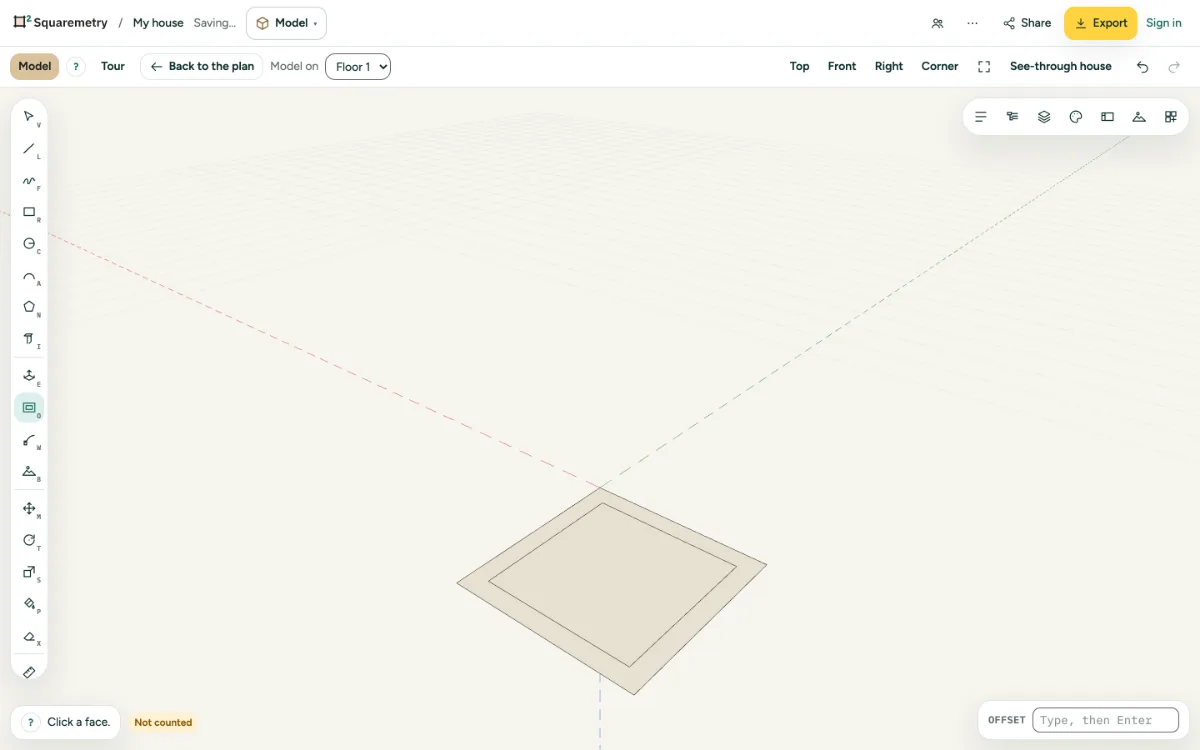
A face with an inner edge at a set distance, like a frame.
  1. 1. Offset

    Press O, click a face and move inside or outside. Click, or type the distance and press Enter.

  2. 2. Then extrude

    The new edges split the face, so you can push the middle in or pull the border out.

Shortcuts

O
Model: offset

Messages you may see

  • Too far: the face is not that wide.

Related

Still stuck?

Send us a message and tell us what you tried. We will help you from there.

Start with your first floor plan

The beta is free for 100 days, with up to 10 homes a month. After the beta: $5 per home, or Pro from $19 a month.

Join the free beta

or sign in with a code by email