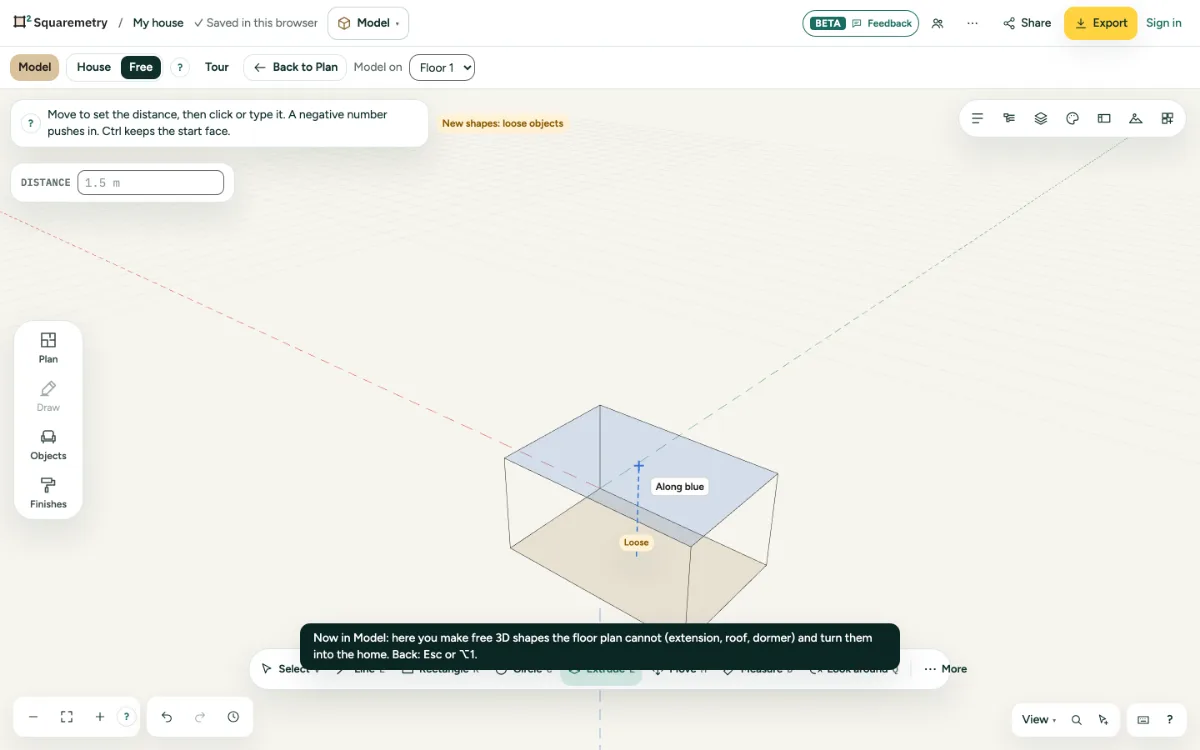
Pull a face out or push it in. A rectangle becomes a block; a rectangle on a wall becomes a recess.
1. Pull
Press E, click a face and move. Click, or type the distance and press Enter.
2. Push in
A negative number pushes in. Pushed all the way through, it makes a hole; further than the shape is deep is not possible.
3. Keep the start face
Hold Ctrl while you click to keep the face you started from, for a floor between storeys.
Shortcuts
- E
- Model: extrude
Messages you may see
- Distance 0 changes nothing.
- The shape is pushed flat and is gone. Undo brings it back.