Move what you chose, or what is under the mouse. Copy with Ctrl, then make a row or divide the distance.
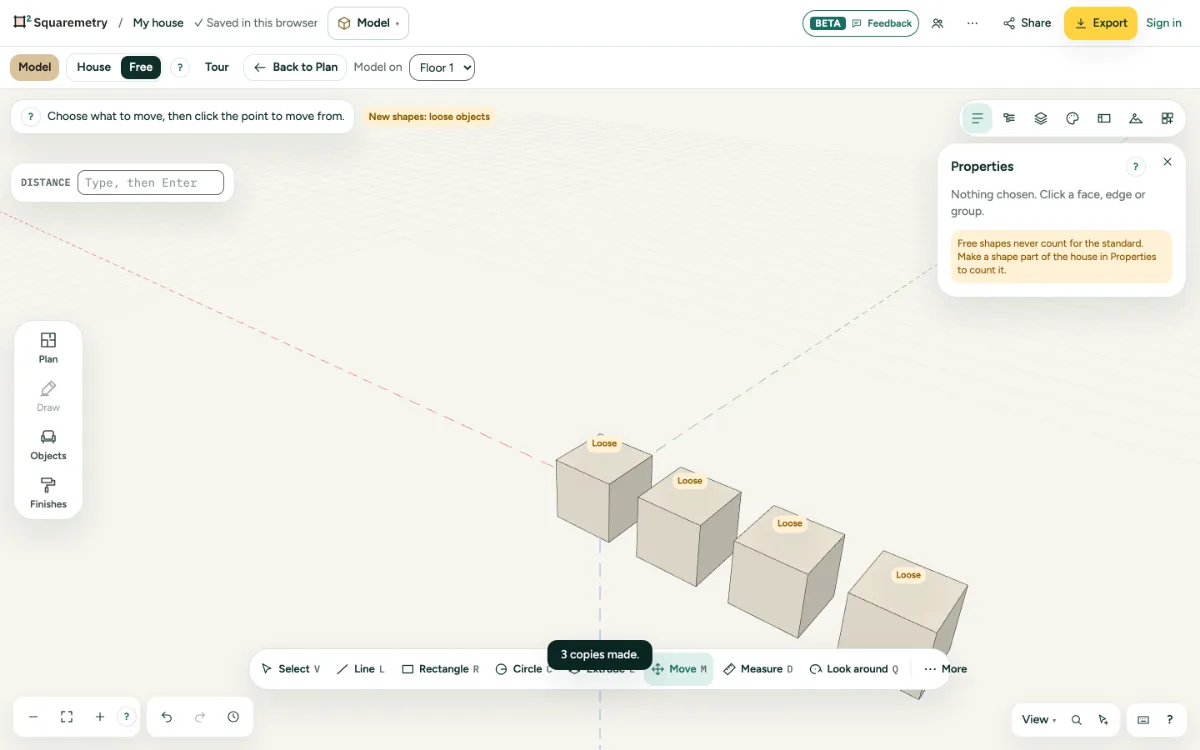
Model: move and copy, also in a row: step by step
1. Move
Press M, click the point to move from and click the new place. Or type a distance, or three values like 2m;0;1m for red, green and blue.
2. Copy
Press Ctrl to switch copying on; the chip Copy shows it. Then move as usual.
3. Row or divide
Right after a copy, type 3x for a row of three, or /3 to put three copies evenly between the start and the copy. After another step, or after undoing the copy, 3x does nothing and says why.
Shortcuts
- M
- Model: move
Messages you may see
- Between 1 and 1000 copies.
- A row (3x) only works straight after a copy. Make a copy first, then type 3x.