Run a face along edges: a skirting board round a room, a gutter, a handrail, a round shape that turns round an axis.
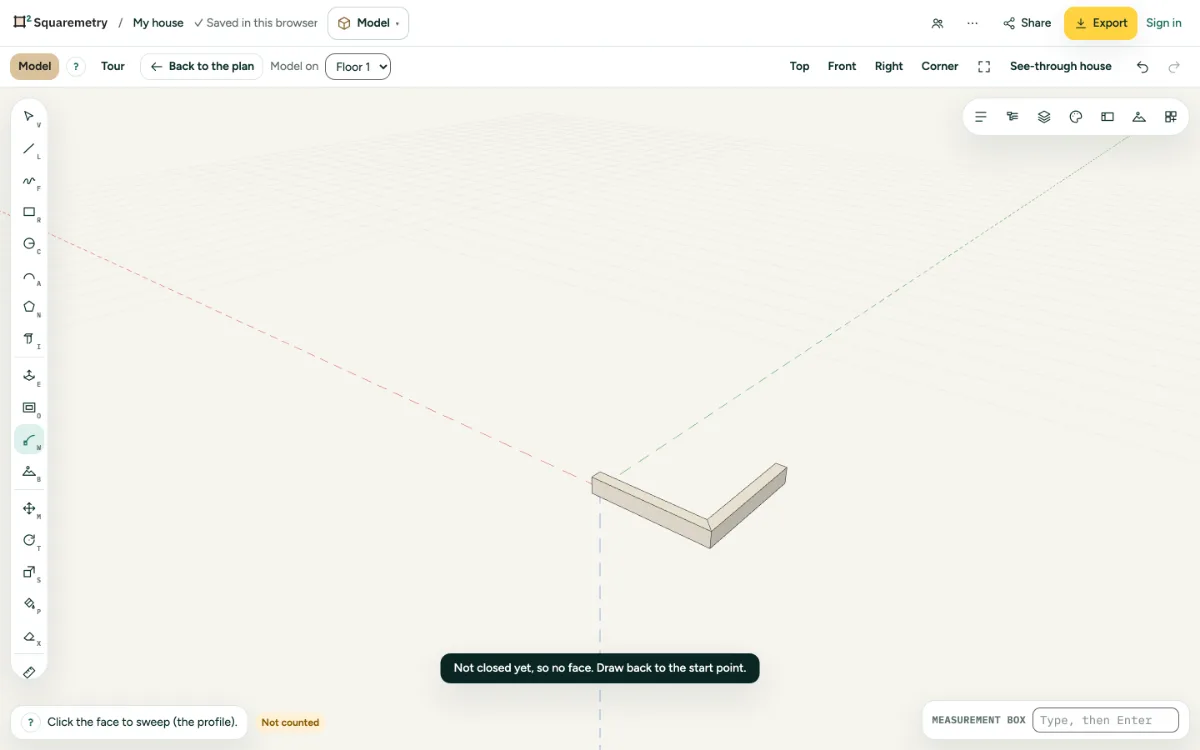
1. Profile
Draw the profile as a face where the path starts, square to it. Press W and click the profile.
2. Path
Click an edge for the whole row of joined edges, or a face to go round its edge. A circle as the path turns the profile all the way round.
3. Path first
Chose the edges first? Then one click on the profile is enough.
Shortcuts
- W
- Model: sweep
Messages you may see
- That path does not work. Choose connected edges or a face.