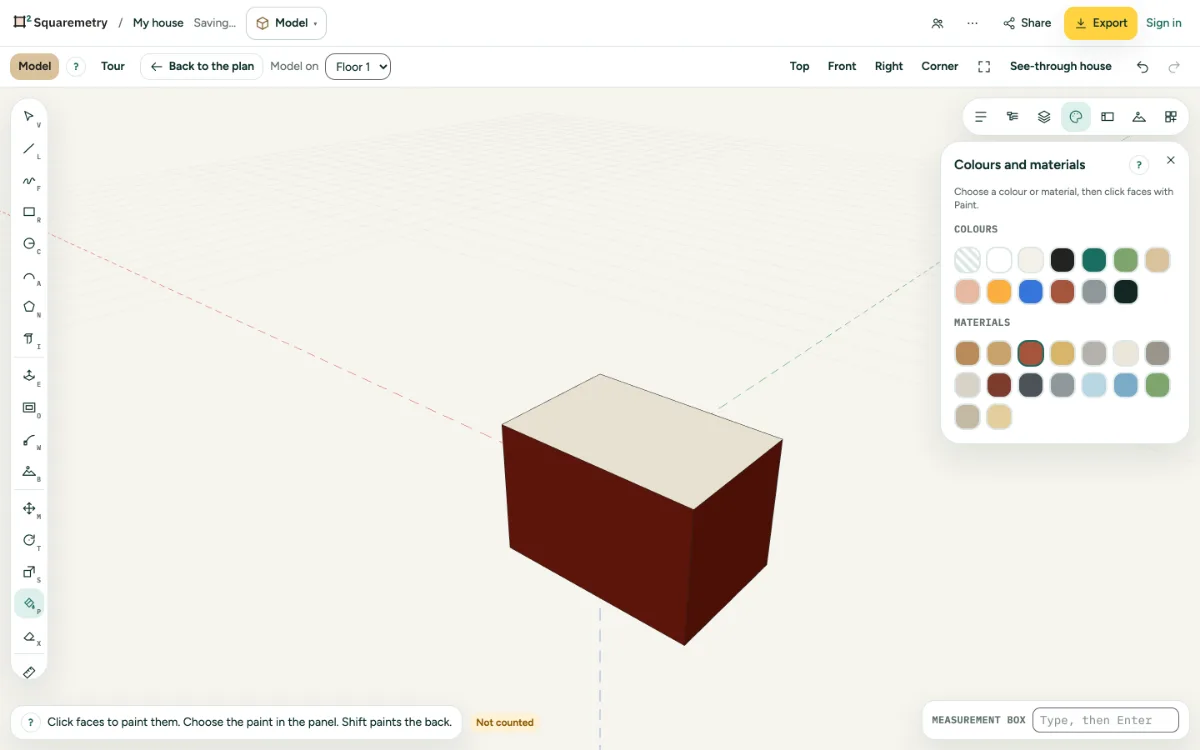
Give faces a colour or a material. Front and back can differ. Paint shows in Model, in 3D and in the export.
1. Choose the paint
Open Colours and materials on the right and pick a colour or a material, such as brick, wood, concrete, glass or grass.
2. Paint
Press P and click faces. Click a group to paint all of it. Shift paints the back of a face.
3. No paint
Pick No paint to take it off again.
Shortcuts
- P
- Model: paint