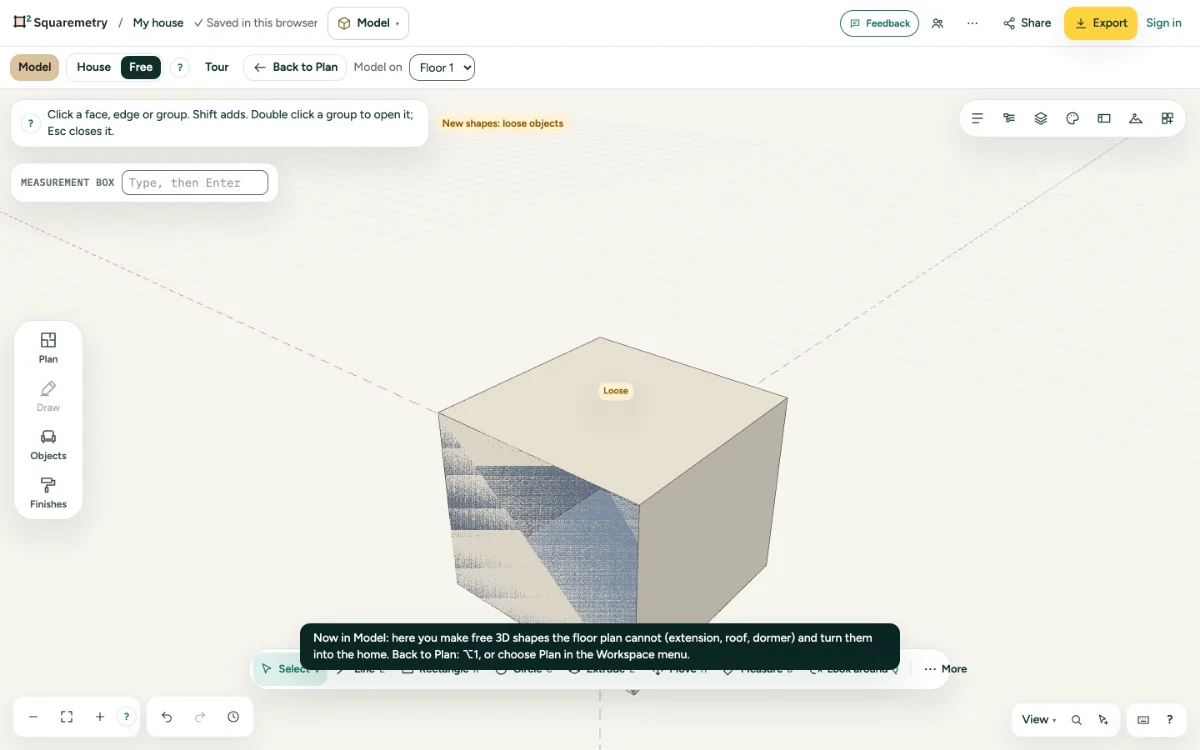
Click a face and the model is cut there, so you look inside. The cut stays with the plan and a saved view remembers it.
1. Cut
Press K and click a face. Everything in front of that face is hidden.
2. Turn it off
Click in empty space with the section tool to turn the cut off. Earlier cuts stay in the plan.
3. With a view
Save a view while a cut is on; going to that view turns the cut on again.
Shortcuts
- K
- Model: section