At the top of Model you choose House or Free. With House, what you draw becomes part of the plan wherever the house recognises it, and it counts. With Free, nothing counts and the plan stays as it is.
1. House or Free
House is on when the plan has walls. A block on the ground beside the house becomes an extension, a block on top of the walls a storey, a block on a sloped roof a dormer, sloped faces on the walls a roof, a rectangle on a wall a door or window. Free models freely. The choice is kept with the plan, and switching is a step you can undo.
2. What stays free
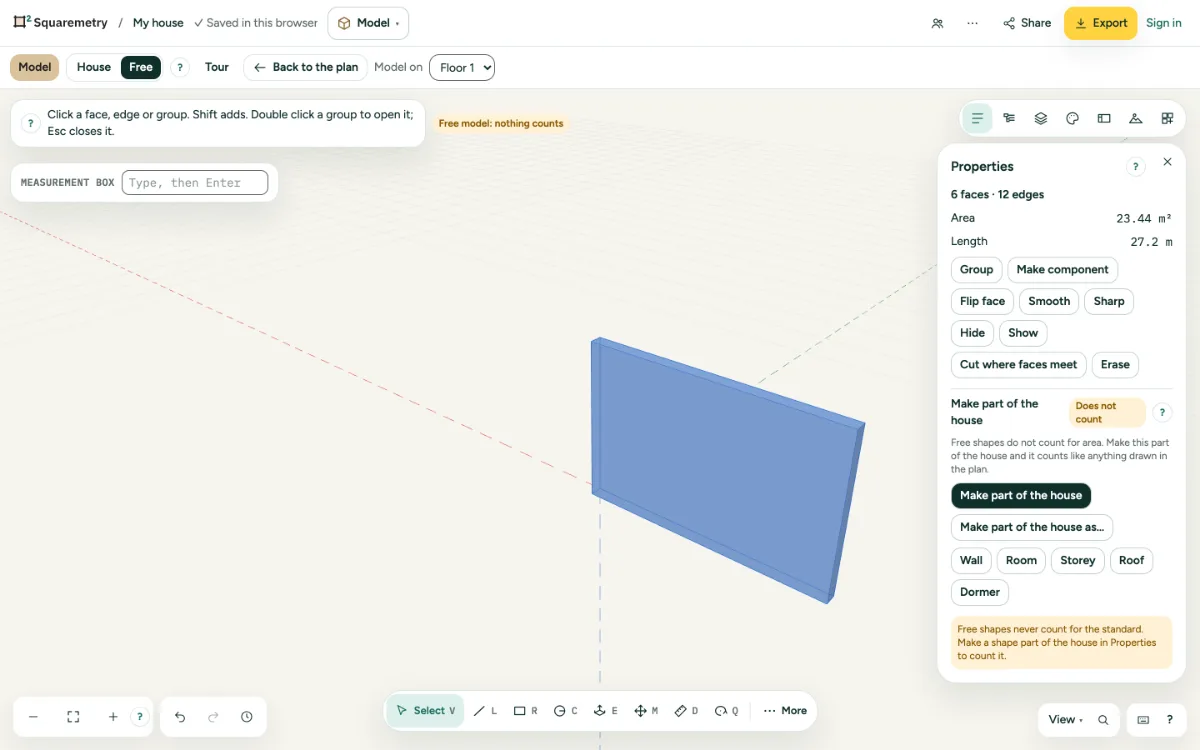
A shape the house does not recognise stays free and shows Does not count: a chimney, a column, or a block half inside the house. Click the label to choose the shape. Top left says how many free shapes there are.
3. Make part of the house
Choose a shape. Make part of the house does what House does. Make part of the house as… lets you choose Wall, Room, Storey, Roof or Dormer yourself: a face of 4 x 3 m becomes a room of 12 m².
4. The same building blocks
New walls take their thickness and height from the card of Wall and Room in the plan. A side against the house uses the wall that is there; a storey stands on the walls below. In the plan you see and edit it like anything you drew there.
5. And back
Click a wall or the roof of the house in Model. Properties says it counts; Make free shape takes it out of the plan as a group.
Parts on the screen
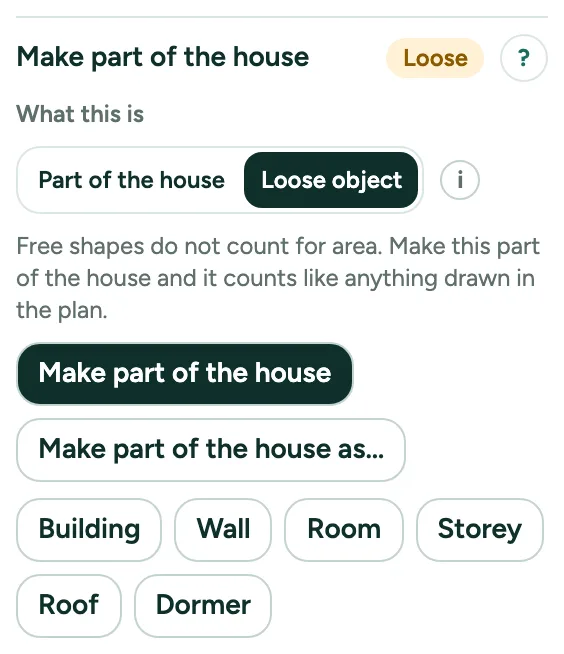
Make part of the house. Make part of the house puts the chosen shape in the plan as what the house recognises; Make part of the house as… lets you choose. Then it counts.
Messages you may see
- Now an extension: walls around it, against the house. It counts for area.
- This block lies partly inside the house. It stays a free shape and does not count. Move it against the wall and it becomes an extension.
- Now a door in the wall.
- Now a wall in the plan. It counts for area.